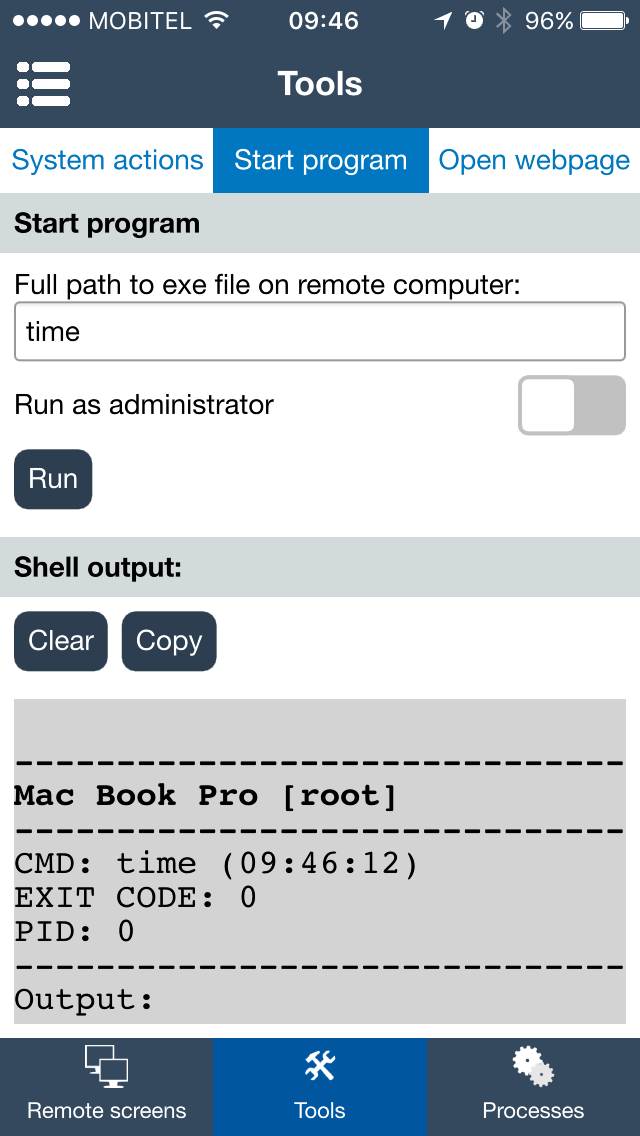
7. Tools view
Tools view can be used to run classroom actions on selected student computers. It is useful when the teacher needs to guide the class, prepare computers for an exercise, or stop activity that interrupts the lesson.
Select the student computers first in Computer list view, then open Tools.
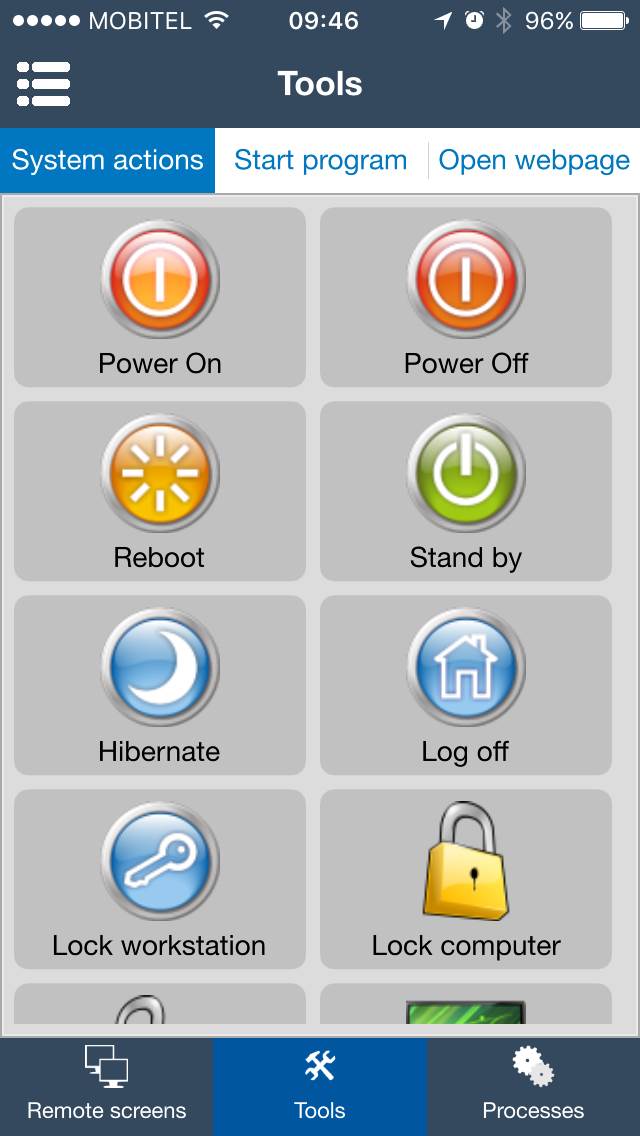
Typical use cases
- Lock selected student computers before giving instructions.
- Blank screens when students need to listen instead of work on computers.
- Open a web page needed for the lesson on selected student computers.
- Restart or shut down lab computers when class is finished.
Use the Start program tab when a teacher wants to start a program on selected student computers.