5. Action menu
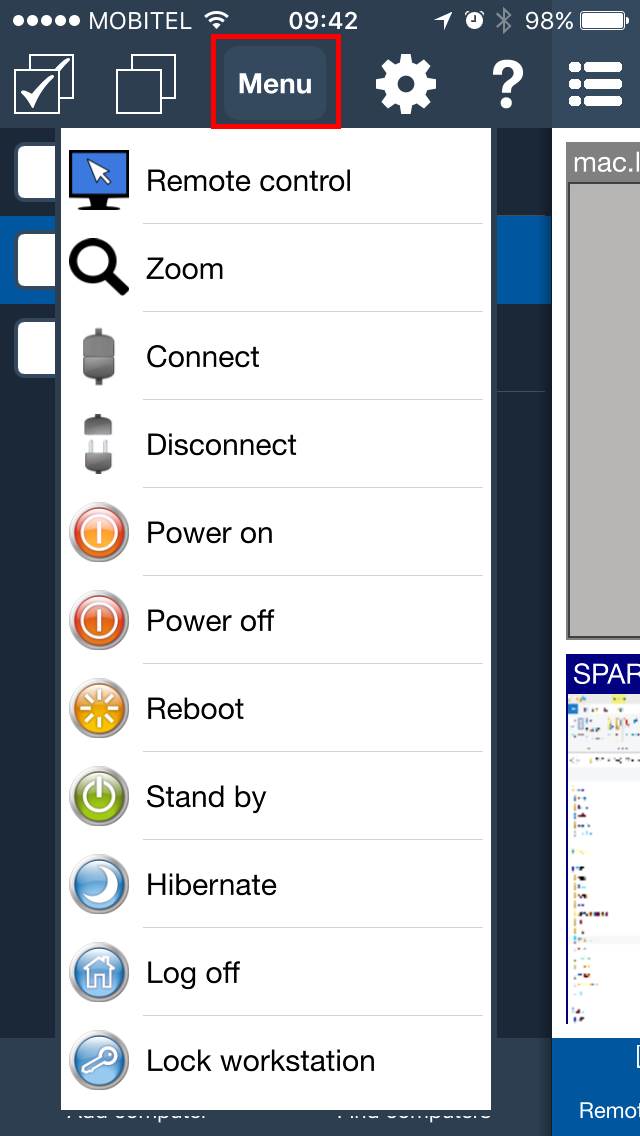
The Action menu gives quick access to the most common classroom actions for the selected student computer or selected group of student computers.
Open the menu by tapping Menu or by tapping and holding a computer in the list.
What teachers use it for
- Open Remote screens to check student work.
- Open Tools to run classroom actions on selected student computers.
- Open Processes to see running programs and close distracting applications.
- Open Remote control to help a student directly from the phone or tablet.