6. Remote screens view
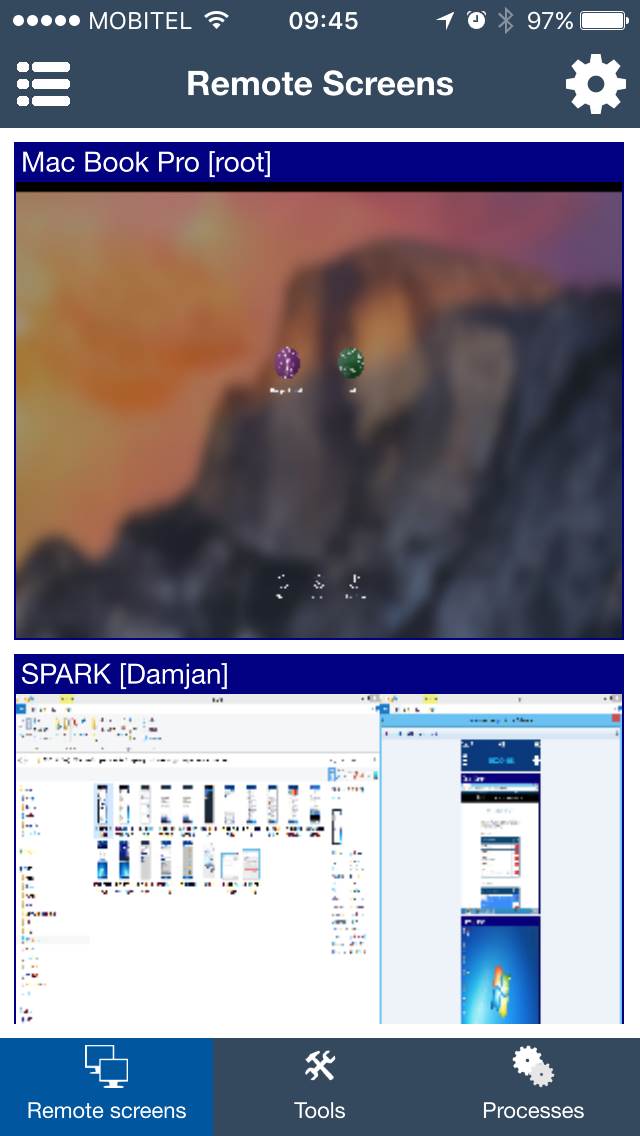
Remote screens can be used to view live student computer screens from a phone or tablet. This helps the teacher see whether students are following instructions, using allowed applications, or waiting for help.
On smartphones, hide Computer list view first to give the screen thumbnails more space.
The gear icon opens the configuration menu for the Remote screens view.
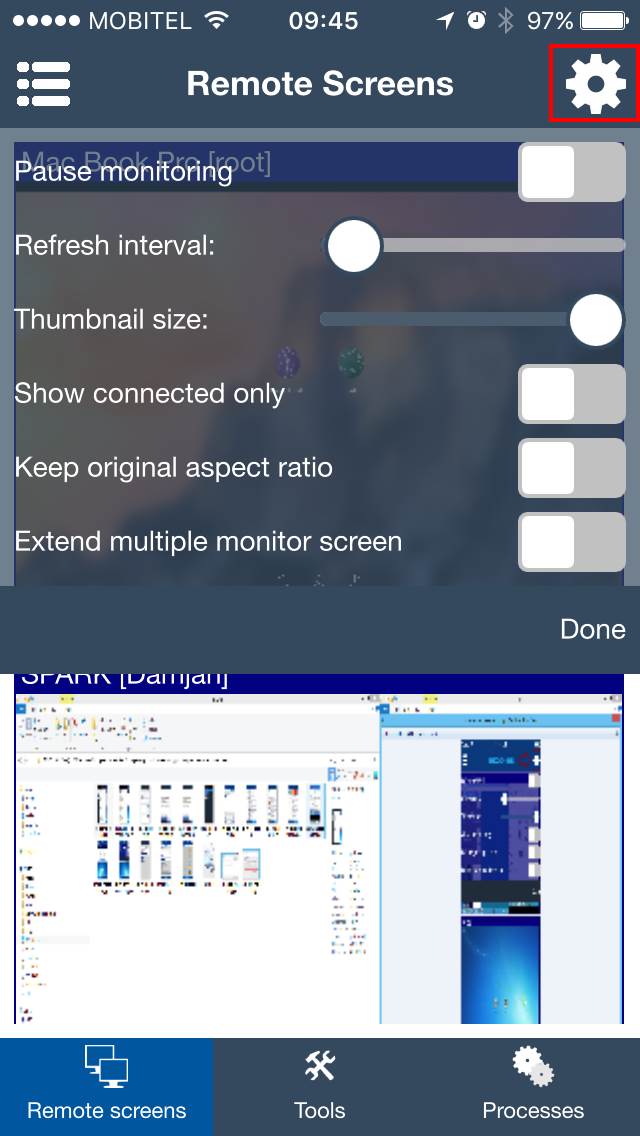
Useful settings
- Use a faster refresh when the teacher needs more current screen information.
- Use a slower refresh when WiFi is busy or many student computers are being monitored.
- Open a student screen when you need a closer look before deciding whether to help or correct behavior.